
KDP Book Not Showing in Amazon Search? Check These 8 Things Before Editing Keywords
Troubleshoot a live KDP book missing from Amazon search: 72-hour indexing windows, marketplace, category, book format, metadata updates and product-page checks.
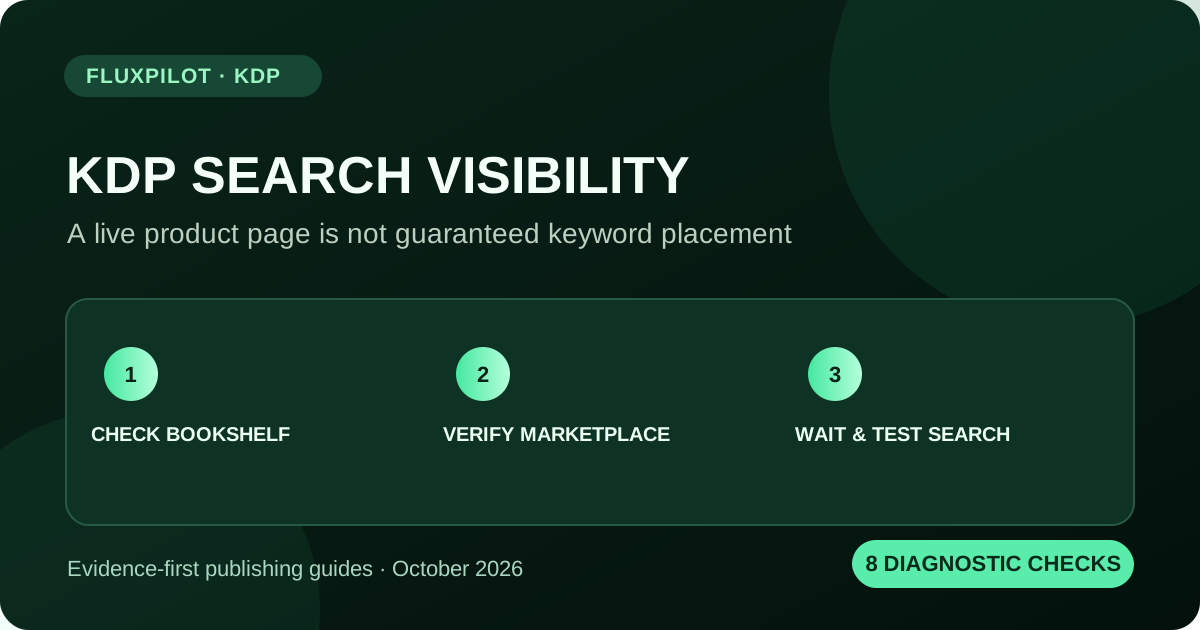
If your KDP book is live but missing from Amazon search, first open its product detail page through Bookshelf > View on Amazon, confirm the right marketplace and book format, then allow up to 72 hours after publishing or republishing for search visibility. Check the department, filters, title length, adult-content restrictions and relevant metadata before assuming a keyword or indexing failure.
Start with the KDP Bookshelf, not a random search
A book may have a valid live product page even when a buyer cannot find it by a generic query. The most reliable first check is to sign in to KDP, open Bookshelf, find the title and use View on Amazon for the relevant format and marketplace. This verifies that the destination page actually exists.
If the book is not shown in Bookshelf, check that you signed in with the KDP account used to publish it and review filters or archived-title views. A missing entry in an account dashboard is not the same failure as a missing Amazon search result.
Check Amazon's stated search timelines
Amazon states that it can take up to 72 hours after a book is published or republished for the book to appear in Amazon search results. The timing of the detail page, cover image, sample preview and format linking may differ. Recently edited metadata can also need time to propagate.
Do not repeatedly rewrite keywords during the first hour because the listing does not rank for your test term. Record the date and exact status first. KDP's timeline table is an estimate rather than a guarantee for every marketplace or processing scenario.
The 8-step diagnostic checklist
These checks move from the easiest verifiable facts to harder discoverability questions. Capture the marketplace, search terms, book format and timestamp for each attempt. Separate 'direct product page works' from 'keyword search returns the book'.
Only after the book is live, eligible for search and outside the normal processing window should you treat missing search visibility as a candidate issue for further support or metadata review.
- 1. Verify Bookshelf status is Live for the right edition.
- 2. Open View on Amazon to confirm the product page.
- 3. Check you are searching the same marketplace (Amazon.com, Amazon.co.uk, etc.).
- 4. Select Books for print formats or Kindle Store for eBooks.
- 5. Wait through the standard search-visibility window after publishing or republishing.
- 6. Clear filters and retest in a private window if results seem inconsistent.
- 7. Check title length, relevant keywords, categories and content restrictions.
- 8. Record the ASIN, exact query and screenshots before contacting KDP support.
How to separate a search issue from a conversion issue
If your title can be found by exact title or ASIN but not by a broad niche phrase, the detail page may be available while that particular query does not display it prominently. Amazon search results are dynamic; a position seen today is not guaranteed tomorrow.
If shoppers can find it but do not buy, investigate a different question: does the cover convey the exact promise, do the description and sample match buyer expectations, and is the price sensible for the format? Neither issue can be diagnosed from a single screenshot of a search results page.
| Observation | Likely next check | Avoid assuming |
|---|---|---|
| Bookshelf says In Review | Publication status / notifications | Keyword indexing is broken |
| Live page works; just published | Allow search processing window | Permanent suppression |
| Finds exact title but not broad phrase | Relevant metadata, competition, filters | Guaranteed hidden penalty |
| Finds in Kindle, not Books | Format and search department | Lost listing |
| Page visible but zero sales | Conversion and reader value | No impressions or no demand |
Metadata changes: specific, truthful and measured
Amazon lets authors update up to seven KDP keyword fields through Book Details. The metadata guidelines favor accurate phrases describing the book and prohibit unrelated terms, competing authors, promotional language and claims such as 'bestselling'.
Keep a before-and-after record when changing a phrase, and make sure the title on the product page still matches the actual cover. For print books, some published title details may require creating a new edition after the initial editing window, so check the current setup rules before planning a title change.
When to contact KDP support
If the book's product page is live but you still cannot find it after the normal window using an exact title in the appropriate marketplace and department, prepare a concise support case. Include ASIN, format, marketplace, first live date, tested search terms, tests in a fresh browser and the View on Amazon URL.
Avoid asserting a 'shadow ban' without evidence. KDP documents special search restrictions for sexually explicit imagery or titles and notes that results vary dynamically. Support can review a specific ASIN more effectively than a vague report that 'my keywords don't work'.
Track discoverability with evidence, not a fake rank
For ongoing monitoring, keep dated notes on exact-query results and price, but distinguish sponsored placements, category rank, product-page traffic and actual book sales. Public search snapshots cannot verify the number of readers who searched for your phrase.
FluxPilot KDP Live can help inspect available book listings when the upstream service is configured. A result position displayed there is not an official sales estimate or permanent rank. Use that evidence to decide what to review manually, not as a promise of immediate indexation.
Frequently asked questions
How long until my KDP book appears in Amazon search?
Amazon says search results can take up to 72 hours after a book is live or republished, although publishing and marketplace timelines may vary.
My product page works but my book is missing for a keyword. Is that a ban?
Not necessarily. Check marketplace, department, filters, timing, relevance and dynamic rankings before concluding a restriction.
Can I force Amazon search indexing by repeating my title?
No guaranteed indexing shortcut is established by KDP. Use the official troubleshooting workflow and accurate metadata.
Sources and further reading
Original guidance by FluxPilot, cross-checked against KDP documentation. Amazon policies and marketplace rules can change; verify current requirements before publishing.
KDP: How to Find Your Book on Amazon KDP: Timelines KDP Bookshelf